
Where Modern AI Actually Saves Time in Real Enterprise Workflows
A practical look at where modern AI really helps in enterprise work: drafting, summarization, document search, data extraction, support triage, coding assistance, and internal knowledge work. The real win is faster repetitive work with human review still in the loop.
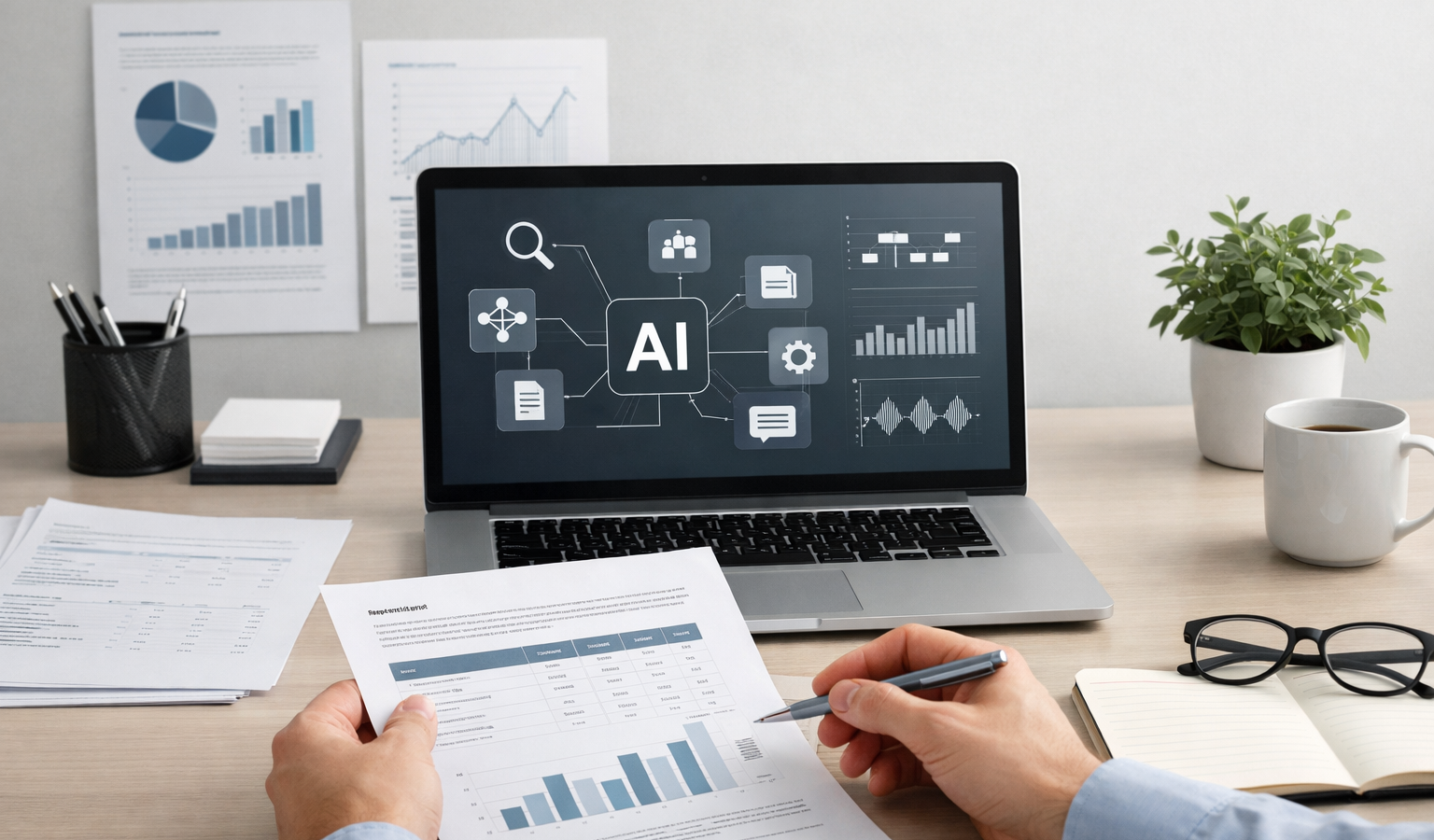
Modern AI is not magic, and it is definitely not a replacement for good judgment. But if you run a small business, create content, manage clients, or spend too much time digging through documents, it can save a surprising amount of time in the places where work tends to get repetitive. The real value is not “let AI do everything.” It is “let AI handle the boring first pass so a person can make the final call.”
That distinction matters. In real enterprise workflows, the biggest wins usually come from shaving 10 minutes here, 20 minutes there, and turning a messy pile of information into something a human can quickly review. Over a week or a month, those little time savings add up to real economic value. For a small business, that can mean lower overhead, faster response times, and more time spent on revenue-producing work instead of administrative drag.
Where modern AI actually saves time
If you’ve been hearing broad claims about AI changing everything, the practical question is simpler: what tasks does it genuinely do well today? The answer is repetitive knowledge work. Think drafting, summarizing, searching, extracting, classifying, and assisting—not fully owning the work from start to finish.
1. Drafting first versions of content
One of the most reliable uses of AI is drafting. Not polished final copy, but a fast first pass. That includes emails, client updates, proposals, policy drafts, product descriptions, meeting agendas, and internal memos. If you know what you want to say, AI can help you get to a rough structure quickly.
For example, a small business owner might use AI to draft a reply to a vendor, turn bullet points into a customer-facing announcement, or outline a service page for a website. That does not remove the need for editing. It does remove the blank-page problem, which is often where a lot of time disappears.
2. Summarizing long information into useful takeaways
Summarization is another strong use case. AI is very good at taking long meeting notes, email threads, support conversations, or project updates and turning them into a shorter summary. That is especially helpful when you are trying to keep multiple moving parts organized without reading every line of every message.
Think of the practical use cases:
- Summarizing a 40-minute call into action items
- Condensing a long client thread into a status update
- Pulling key points from a policy document
- Creating an executive summary from a longer report
For busy teams, this can be a huge quality-of-life improvement. Instead of reading everything from scratch, a person can verify the summary and move on to the decision that actually matters.
3. Searching internal knowledge faster
Most businesses have more knowledge stored in documents than they realize. SOPs, onboarding notes, product docs, project plans, shared drives, support histories, and old spreadsheets all hide useful information. The problem is not that the information does not exist. The problem is that finding it is slow.
This is where AI-powered search and question-answer tools can shine. Instead of asking someone to remember where a file lives or what the process was last quarter, a team member can ask a system to search the knowledge base and pull likely answers. For a small business, that means less interruption and less tribal knowledge bottlenecking everything.
That kind of search is especially helpful in areas like website hosting, client onboarding, and internal troubleshooting. If a support note, hosting record, or launch checklist exists, AI can help surface it faster than a manual search through ten different folders.
4. Extracting data from messy documents
AI is also useful when the input is unstructured and the output needs to be organized. This is common in invoices, contracts, forms, receipts, claims, customer emails, and scanned documents. Instead of manually copying information into a spreadsheet, AI can identify fields such as dates, names, totals, and status markers.
That does not mean you should trust every extraction blindly. It does mean a person no longer has to type the same data over and over. In many workflows, that is the difference between a task taking 30 seconds and taking 5 minutes per document. Multiply that by dozens or hundreds of documents, and the savings become obvious.
5. Support triage and routing
Customer support is another area where AI can create immediate value without pretending to replace people. A smart workflow can use AI to classify incoming requests, identify urgency, route tickets to the right queue, and draft a first response.
For example, a support inbox might receive a mix of billing questions, login issues, feature requests, and hosting-related problems. AI can sort those messages, flag likely priority issues, and suggest a response template. A human still reviews the final reply, but the team saves time by not manually sorting every message from scratch.
That matters for small teams. Faster triage improves response times, reduces missed messages, and helps a business appear more reliable and transparent without adding a lot of headcount.
6. Coding assistance in development work
For development, AI is often best at accelerating routine work rather than solving hard architectural problems. It can generate small code snippets, explain unfamiliar code, help refactor repetitive logic, suggest tests, and assist with debugging by pointing out likely causes.
In web development, that might mean building a WordPress function, rewriting a CSS block, generating a regex pattern, or helping interpret an API response. It can also help when you are maintaining a site and need to make a quick change without reopening every reference manual you own.
Still, code assistance works best when the human already understands the environment. AI can move faster than a person on a first draft, but it can also hallucinate details or miss context. In development, speed is valuable, but correctness is what keeps the site stable.
7. Internal knowledge work and decision prep
AI also helps with the “thinking before thinking” work that consumes a lot of time in small businesses. That includes turning scattered notes into a plan, organizing pros and cons, creating meeting prep documents, and building simple summaries for decisions.
Imagine preparing for a client meeting. You have emails, notes, a scope document, a timeline, and maybe some past invoices. AI can assemble a clean briefing sheet that gives you the shape of the conversation before the meeting starts. That is not the final decision. It is the prep that makes the decision faster and more informed.
Best way to think about AI: it is a speed layer for repetitive knowledge work, not a substitute for expertise, accountability, or judgment.
Why the economic value is real
The economics are pretty simple. Knowledge workers spend a lot of time on tasks that are necessary but not especially creative: reading, sorting, drafting, rewriting, searching, and organizing. When AI reduces the time spent on those chores, the business gets the same person back for higher-value work.
That might mean more client work, better customer service, more time for strategy, or less overtime. For a small business, the value is not abstract. It shows up in response time, throughput, and the ability to stay focused without burning people out.
There is also a hidden benefit: consistency. AI can help standardize first drafts, summaries, and triage decisions so that the process is more repeatable. That makes it easier to build reliable workflows, which is especially useful when you do not have a large operations team or a dedicated back office.
Where AI is weaker
As useful as AI is, it still has clear weak spots. This is where a lot of the hype falls apart. The technology is not equally good at every task, and the human review step is still important.
It can sound confident while being wrong
AI can generate answers that sound polished and plausible even when the facts are off. That is a serious issue in areas involving policy, legal language, financial decisions, medical content, and anything customer-facing where accuracy matters.
It struggles with deep context
AI often misses the unwritten rules that humans understand from experience. It may not know your company’s preferences, your client’s history, or the subtle reason why one version of a document is better than another.
It is not a good replacement for accountability
If a task has consequences, a person needs to own the outcome. AI can support the workflow, but it should not become the final authority for decisions that affect customers, contracts, compliance, or a live website.
It still needs quality control
The best enterprise workflows use AI with review steps built in. That could mean fact-checking, comparing against the source document, or requiring human approval before anything is sent out. In other words, AI should make work faster, but not less trustworthy.
How to use AI in a practical workflow
A grounded AI workflow usually follows a simple pattern:
- Feed the tool a clear task and relevant source material.
- Use it to generate a draft, summary, or classification.
- Have a human review for accuracy, tone, and context.
- Save the approved output in a repeatable system.
This is where the real benefit lives. The goal is not to chase a flashy tool. The goal is to build a reliable, transparent process that saves time every time you use it. If you are running a small business, that reliability matters more than cleverness.
From a web development and operations perspective, it is the same idea. AI can help you move faster, but stable systems still depend on good process, clean inputs, and human oversight. That is true whether you are updating content, handling support, or managing website hosting tasks that need to be done correctly the first time.
Key takeaways
- Modern AI is best at repetitive knowledge work like drafting, summarizing, searching, and extracting.
- The biggest business value comes from saving time, not replacing people.
- AI can improve small business workflows by speeding up support, internal knowledge retrieval, and routine development tasks.
- Human review still matters because AI can miss context or confidently produce incorrect information.
- The most reliable approach is to use AI as a first-pass assistant inside a transparent, well-defined process.
If you approach AI with that mindset, it becomes a practical tool instead of a vague promise. For creators, entrepreneurs, and small teams, that is usually where the real win is: less time buried in repetitive work, more time for the parts of the business that actually need a human brain.
Related Resources
- NIST AI Risk Management Framework — A solid, public-sector guide for thinking about AI reliability, governance, and responsible use.
- Microsoft Copilot documentation — Useful for understanding how AI is being built into common workplace software and productivity tools.
- Anthropic Docs — Practical documentation on working with Claude, including prompt design and workflow-oriented AI usage.
- OpenAI API Documentation — A helpful reference for builders who want to integrate AI into internal tools, support systems, or automation workflows.
- AWS: What Is Artificial Intelligence? — A straightforward overview from a major cloud provider, useful for getting oriented on enterprise AI concepts.