
The Enterprise AI Sweet Spot: High-Volume Work That Needs a Fast First Draft
AI delivers the most value in business when it produces a useful first draft for repetitive, text-heavy work. Learn where it fits best in real workflows and why human review still matters.
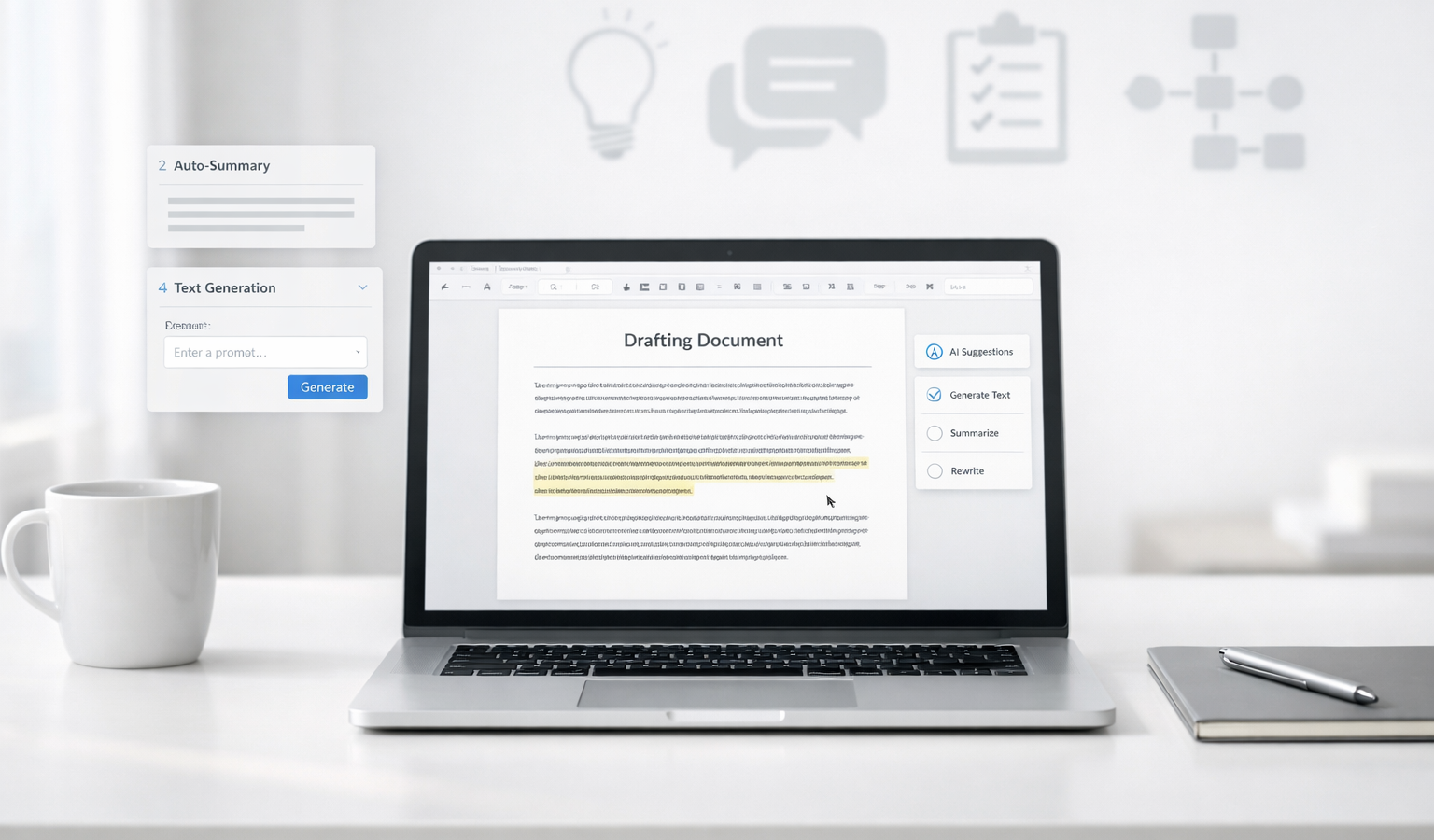
Most business AI projects fail for one simple reason: they try to use artificial intelligence for the wrong kind of work. AI is not at its best when you ask it to make a final decision, invent strategy from thin air, or handle high-stakes complexity with no oversight. It shines when it can produce a useful first draft on repetitive, text-heavy work that already has a clear pattern. For small business owners, creators, and entrepreneurs, that distinction matters. The real value is not “AI replaces people.” The real value is “AI saves time on the first pass so humans can focus on judgment, polish, and customer care.”
If you think about it from a practical operations standpoint, this is where AI starts to earn its place in the workflow. A system that can turn a support transcript into a draft reply, a call note into a CRM update, or a rough idea into a readable outline can remove a surprising amount of friction. That matters whether you are running a small business website, managing website hosting conversations, coordinating with a development team, or just trying to keep up with all the internal writing that keeps a business moving.
Why the “fast first draft” model works
The strongest use cases for AI are usually not the glamorous ones. They are the boring, repeatable, and time-consuming tasks that happen every day. These jobs are often necessary, but they do not always require original thought from scratch. They require speed, consistency, and enough accuracy that a human can review the output quickly.
That is the sweet spot: high-volume work with a predictable structure and a cheap review step.
Think of AI as a drafting assistant. It can sort, summarize, rephrase, classify, and structure information very quickly. If the output is decent enough to reduce human labor from “start with a blank page” to “edit and approve,” then the tool has already delivered real business value.
The conditions that make AI worth using in business
Not every process deserves AI. Some tasks are too rare, too sensitive, or too nuanced. The best candidates tend to share a few conditions.
1. The task happens often
Frequency is one of the clearest signs that AI may help. If a task only happens once a quarter, the setup overhead may not be worth it. But if your team does it daily or weekly, even small time savings add up fast.
Examples include:
- Drafting customer support replies
- Summarizing meeting notes
- Creating first-pass blog outlines
- Updating internal SOPs
- Logging CRM notes after sales calls
For a small business, the cumulative savings can be significant. Ten minutes saved per task may not sound dramatic, but if a team repeats the task dozens of times per week, the result is measurable.
2. The input and output are clear
AI performs best when you can define exactly what it receives and exactly what it should produce. A vague request like “improve our operations” is not a good fit. A clear request like “turn this support transcript into a three-bullet summary, a customer issue category, and a draft reply” is much better.
Good AI workflows often have:
- A consistent source of input, such as emails, calls, transcripts, or form submissions
- A predictable output format, such as a summary, checklist, reply draft, or content outline
- Basic rules for tone, length, and structure
This is where a more engineering-minded approach helps. The cleaner the process, the easier it is to test and improve. In other words, the business case for AI gets stronger when the workflow is transparent, repeatable, and easy to measure.
3. Human review is cheap and fast
This is the part many people miss. AI works best when a person can review the draft quickly. If the human reviewer has to rewrite everything anyway, the system is not saving much time.
That means the best AI-assisted tasks are usually ones where the output only needs light editing:
- A support reply that needs a human tone check
- A knowledge base article that needs fact verification
- A sales follow-up email that needs personalization
- An internal summary that needs accuracy and approval
In a strong workflow, AI does the heavy lifting on structure and language, while the human handles the final decision. That division of labor is what makes the process efficient.
4. The task is low-to-moderate risk
Not all mistakes are equal. If AI makes a small wording error in a draft email, that may be easy to catch and fix. If it makes a mistake in legal, financial, medical, or safety-critical work, the stakes are very different.
For business use, the safest and most productive applications are usually in the middle ground: important enough to matter, but simple enough to review. That is why support, documentation, sales ops, and internal operations are such strong candidates.
Where AI creates value right now
Customer support
Customer support is one of the clearest examples of AI’s first-draft value. Support teams deal with repetitive questions, similar issues, and a steady stream of text that often follows recognizable patterns.
AI can help by:
- Drafting responses to common questions
- Summarizing long customer threads
- Classifying tickets by topic or urgency
- Suggesting next steps for a human agent
For example, if a customer asks about a billing issue, AI can draft a response that explains the standard process and points them to the right resource. A human then checks the details, confirms the policy, and sends the final message. That is much faster than writing from scratch every time.
This is especially useful for businesses that rely on a small team. When you do not have a huge support department, anything that helps you respond faster without sacrificing reliability is a win.
Documentation and knowledge bases
Documentation is another high-value area because it is text-heavy, repetitive, and often neglected. Many businesses know they need better documentation, but nobody enjoys staring at a blank page.
AI can help create the first draft of:
- Internal SOPs
- Customer-facing help articles
- Onboarding guides
- How-to checklists
- Process summaries
If you run a small business or solo operation, this can be especially helpful. You can record how a process works once, then use AI to turn that explanation into a draft document. After that, you review it for accuracy and clarity.
The key here is that AI makes documentation less painful. It lowers the barrier to keeping your knowledge base current, which is a huge advantage for long-term reliability and better customer service.
Sales operations
Sales ops is packed with routine writing and data cleanup. That makes it a natural fit for AI-assisted drafting. The goal is not for AI to replace sales judgment. The goal is to remove tedious admin work so reps and founders can spend more time on actual conversations.
Useful examples include:
- Drafting follow-up emails after discovery calls
- Summarizing call notes into CRM entries
- Generating proposal outlines
- Creating account research briefs
- Turning meeting notes into action items
When a lead interaction ends, speed matters. A quick AI-generated draft can help keep the momentum going while the conversation is still fresh. That kind of workflow is especially helpful in small business environments where the same person may be handling marketing, outreach, sales, and customer service.
Internal operations
Internal operations may not be the flashiest use case, but they are often where AI quietly pays for itself. These are the tasks that keep a team organized but rarely get attention.
AI can help with:
- Meeting summaries
- Project status updates
- Policy drafts
- Hiring notes
- Task routing and categorization
One of the biggest benefits here is consistency. Teams often struggle because different people write things in different formats. AI can help standardize that output so internal communication becomes easier to read and easier to search.
That consistency also makes future development work easier. When your notes, tickets, and documents follow a cleaner structure, your systems become more reliable over time.
Where AI is less useful
Knowing where AI fits also means knowing where it does not. If you try to force AI into the wrong workflow, you can create more work instead of less.
AI is usually a poor fit when:
- The task is rare and not worth the setup time
- The input is messy and hard to standardize
- The output must be perfectly correct with no room for review
- The decision depends on deep context that is not in the prompt
- The result requires originality, nuance, or executive judgment from the start
In those situations, AI may still help as a brainstorming tool, but it should not be treated as the core engine of the process. A transparent workflow beats a flashy one. If a human cannot easily verify the output, the business risk may outweigh the efficiency gain.
How to introduce AI without creating chaos
The best AI implementations usually start small. You do not need to redesign your whole business. In fact, trying to automate everything at once is one of the fastest ways to create confusion.
A better approach is to choose one repetitive workflow and test it carefully:
- Pick a task with clear repetition. Look for something that happens often and takes noticeable time.
- Define the input. Decide what information AI will receive.
- Define the output. Be specific about the format, tone, and length.
- Set a review step. Make it clear who checks the draft before it goes out.
- Measure the result. Track time saved, error rate, and team satisfaction.
This is the kind of practical development mindset that works well in real businesses. You are not trying to impress anyone with complexity. You are trying to build a system that is reliable, transparent, and useful.
If you manage a website or a service-based business, this might mean starting with support macros, blog outlines, or internal SOPs. If you run a productized service, it might mean drafting client updates or intake summaries. The exact workflow matters less than the principle: let AI handle the first pass, then let a human make it trustworthy.
Key takeaways
- AI is most valuable when it produces a fast first draft for repetitive, text-heavy work.
- The best workflows have frequent tasks, clear inputs and outputs, and cheap human review.
- Support, documentation, sales ops, and internal operations are strong real-world use cases.
- AI is less useful when tasks are rare, high-risk, or too complex to review efficiently.
- For small business owners, the goal is not full automation; it is better throughput with reliable human oversight.
For most teams, the smart move is not asking whether AI can do the whole job. It is asking whether AI can do the first 70 percent quickly and consistently. When the answer is yes, you get a practical advantage without sacrificing quality. That is the sweet spot.
Related Resources
- NIST AI Risk Management Framework — A solid foundation for thinking about AI reliability, governance, and risk in business settings.
- FTC business guidance on AI — Helpful guidance on using AI responsibly, especially when customer trust and claims matter.
- OpenAI Prompt Engineering Guide — Practical advice for getting clearer, more consistent outputs from AI tools.
- Anthropic Prompt Engineering Overview — A concise, credible reference for structuring prompts and improving draft quality.