
Model Context Protocol: What It Is and How It Makes AI Agents Useful
MCP gives AI agents a standard way to work with tools, data, and workflows. The useful part is not magic. It is controlled access to real systems.
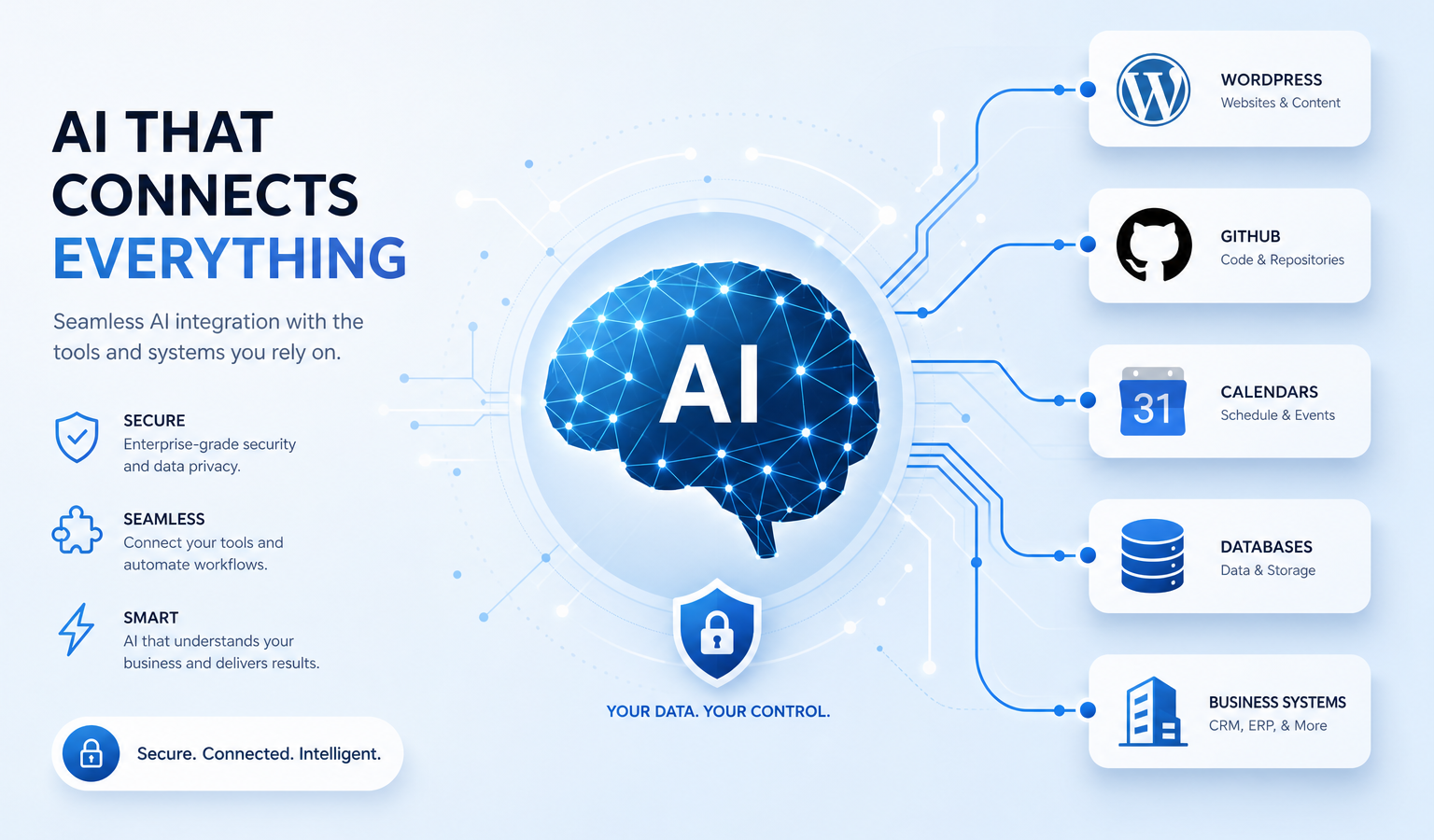
AI gets more useful when it can work with real context.
A model can write, reason, summarize, and plan from the information in front of it. But useful work usually lives somewhere else: files, calendars, WordPress, GitHub, databases, support desks, CRMs, analytics tools, billing systems, and internal dashboards.
That is the gap Model Context Protocol, usually shortened to MCP, is trying to close.
MCP is an open standard for connecting AI applications to external systems. It gives agents a consistent way to discover tools, read context, use structured prompts, and take actions through controlled interfaces. The useful part is not magic. It is a cleaner contract between an AI app and the systems it needs to work with.
The Problem MCP Solves
Without MCP, every AI integration tends to become custom glue code.
One app connects to GitHub one way. Another connects to WordPress another way. A local coding assistant talks to the filesystem through a separate plugin. A business chatbot gets database access through a one-off API wrapper. Each integration has its own assumptions, auth behavior, tool descriptions, error handling, and security model.
That does not scale well.
MCP creates a shared pattern. Instead of teaching every AI app how every service works, you can expose a service through an MCP server. Then an MCP-capable host can connect to it, discover what it offers, and make those capabilities available to the model in a structured way.
The Architecture in Plain English
MCP uses a host, client, and server architecture.
- Host: the AI application the user interacts with. This could be a coding agent, desktop assistant, chat app, IDE, or automation workspace.
- Client: the connection layer inside the host. The host creates an MCP client for each MCP server it connects to.
- Server: the program or remote service that exposes specific capabilities, such as filesystem access, GitHub actions, WordPress post tools, database queries, or calendar operations.
The model is not usually “connecting to MCP” by itself. The host connects to MCP servers, receives their available capabilities, and then decides how to present those capabilities to the model and user.
That separation matters. It lets the host enforce permissions, ask for approval, filter tools, manage context, and keep boundaries between different servers.
Tools, Resources, and Prompts
MCP servers commonly expose three building blocks.
Tools
Tools are actions the agent can request. A tool might create a WordPress draft, read a GitHub issue, search a database, send a message, or update a calendar event.
Good tools have clear names, clear descriptions, typed inputs, and narrow responsibilities. “Create a draft post” is safer and easier to control than “do anything in WordPress.”
Resources
Resources are context the application can read. A resource might be a file, a database schema, an API response, a documentation page, or a customer record.
Resources are useful because agents need grounding. The model should not guess what is in your repo, your CMS, or your business system. It should retrieve the relevant context and work from that.
Prompts
Prompts are reusable workflows or instruction templates exposed by a server. They can guide the user and model through a repeatable task, such as drafting a support response, preparing a release note, or running a content audit.
This is useful when you do not want every interaction to start from a blank chat box.
Local and Remote Connections
MCP supports different transports. The two common ones to understand are stdio and Streamable HTTP.
- Stdio: commonly used for local servers. The host launches or talks to a local process through standard input and output. This is common for filesystem tools and local developer workflows.
- Streamable HTTP: used for remote servers. This is better suited for web services, hosted tools, and systems that need standard HTTP authentication.
The transport is implementation detail, but it affects deployment. Local developer tools often make sense over stdio. Production services, SaaS integrations, and WordPress-style remote connectors usually make more sense over HTTP.
How MCP Works With Agentic Models
An agentic model is useful because it can break work into steps, choose tools, inspect results, and continue toward a goal. MCP gives that agent a standard way to interact with the outside world.
A typical flow looks like this:
- The host connects to one or more MCP servers.
- The host discovers available tools, resources, and prompts.
- The user asks for something useful: “Draft an article,” “review this pull request,” or “summarize our open support tickets.”
- The model decides which available tools or resources may help.
- The host calls the tool or reads the resource, often with user approval for sensitive actions.
- The model uses the result to continue the task.
That loop is where agentic work starts to feel different from a normal chatbot. The model is no longer only producing text. It is operating through controlled interfaces.
Practical Examples
For a WordPress site, an MCP server can expose tools for listing posts, creating drafts, updating metadata, checking plugin state, or reading site context. That lets an agent help with content operations without handing it unrestricted admin access.
For GitHub, MCP can expose repositories, issues, pull requests, checks, and code search. A coding agent can inspect a failing workflow, read the relevant files, propose a patch, and comment on the result.
For files, MCP can expose selected folders to an AI application. That lets the model inspect project docs, local notes, exports, or configuration files while the host controls which paths are visible.
For internal business systems, MCP can sit in front of databases, dashboards, ticketing systems, inventory tools, or reporting APIs. The server should expose focused operations instead of raw unrestricted access.
Security Is Still Your Job
MCP does not automatically make agents safe.
It gives you a cleaner structure for connecting systems, but you still need to decide what the agent can see, what it can change, and when a human must approve the action.
Good MCP deployments should use:
- Least-privilege tools with narrow permissions.
- Separate read and write operations.
- Approval prompts for destructive or expensive actions.
- Audit logs for tool calls and results.
- Clear boundaries between servers.
- Careful handling of secrets, tokens, and private data.
The safest MCP tool is not the most powerful one. It is the one that does exactly what the workflow needs and no more.
A Simple Adoption Path
If you want to use MCP, start small.
- Pick one workflow that wastes time but has clear rules.
- Expose one or two read-only resources first.
- Add one narrow tool that performs a low-risk action.
- Test the tool descriptions and inputs until the model uses them predictably.
- Add approvals before write operations.
- Only expand after the first workflow is boring and reliable.
For example, do not start by giving an agent broad control over a production site. Start by letting it list recent drafts, read a specific post, or create a new draft without publishing it. Once that works, add carefully scoped update actions.
What MCP Is Not
MCP is not an AI model. It is not a replacement for good prompts. It is not a security product by itself. It is not a guarantee that an agent will make good decisions.
It is a protocol for connecting AI applications to tools and context in a standard way.
That may sound less exciting than the hype, but it is more useful. Most real automation work is not limited by model intelligence alone. It is limited by whether the model can safely reach the right systems, understand what actions are available, and operate inside clear boundaries.
The Real Point
MCP matters because AI agents need more than a text box.
They need context. They need tools. They need permissions. They need narrow, inspectable ways to act in real systems.
When MCP is used well, it turns the agent from a disconnected assistant into something closer to a controlled operator. Not autonomous chaos. Not magic. Just a better way for models, software, and human approval to work together.
Useful Links
- Model Context Protocol: What is MCP? – the official introduction to MCP and what it enables.
- MCP Architecture Overview – official explanation of hosts, clients, servers, transports, and protocol layers.
- Understanding MCP Servers – official guide to tools, resources, prompts, and multi-server workflows.
- OpenAI Agents SDK: MCP – examples for connecting MCP servers to OpenAI agent workflows.