
Using AI to Turn Notes Into Drafts Without Losing Your Voice
Learn how to use AI to turn messy notes into a usable first draft while preserving your natural tone, judgment, and editing process.
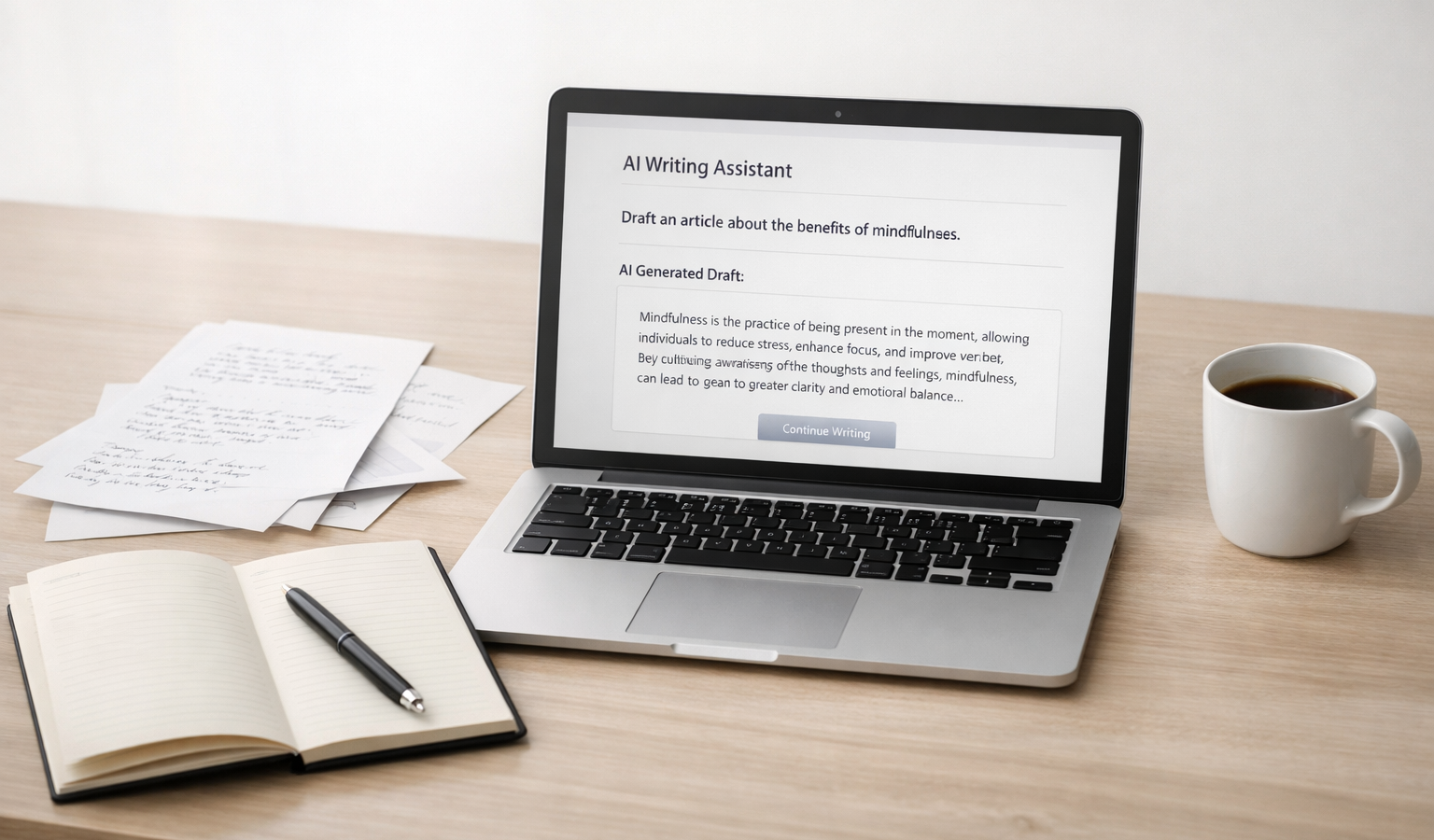
If you have ever opened a blank document and felt your brain go from full to foggy, you are not alone. Many small business owners, creators, and freelancers have plenty to say, but not always the time or energy to turn rough thoughts into a clean first draft. That is where AI can help: not by replacing your writing process, but by speeding up the part where scattered notes become something you can actually work with.
The trick is to use AI as a drafting partner, not a ghostwriter. If you give it the right raw material, the right constraints, and a clear editing process, it can help you move from half-formed ideas to a usable draft while keeping your natural tone intact. That matters whether you are writing a blog post, a client update, a product page, a newsletter, or a transparent development note for your website hosting audience.
Why AI Helps When Your Notes Are Messy
Most notes are not meant to be published as-is. They are reminders, fragments, half-sentences, bullet points, and occasional flashes of insight. On their own, they are useful for thinking, but they are usually not enough to carry a full article.
AI is especially helpful at the “middle step” between rough notes and finished writing. It can:
- organize ideas into a logical structure,
- expand shorthand into full sentences,
- surface gaps or contradictions in your thinking, and
- generate a readable first draft faster than starting from scratch.
For a small business, that can mean faster publishing and more consistent communication. For a creator, it can mean capturing ideas before they disappear. For someone balancing development work, client work, and life, it can mean less friction and more momentum.
The Core Principle: AI Should Expand, Not Replace
Good AI drafting does not erase your voice. It gives your voice a shape you can refine.
If you want the draft to sound like you, do not ask AI to “write something amazing” with no other instructions. That usually produces generic, overconfident prose. Instead, ask it to organize what you already know, preserve your perspective, and keep the language close to your style.
Think of AI as a first-pass assistant. You still provide the judgment. You still decide what matters. You still approve the final message. That is especially important when the writing represents your brand, your technical opinions, or your credibility around topics like website hosting, software choices, or development workflows.
A Simple Workflow for Turning Notes Into Drafts
The easiest way to preserve your voice is to build a repeatable process. Here is a workflow that works well for blog posts, client-facing updates, and personal brand content.
1. Capture raw material without editing it too soon
Start by collecting notes in their original form. Do not try to make them elegant. The point is to preserve the thinking before it gets filtered.
- bullet points from a meeting or voice memo,
- short fragments from your notebook,
- links and references,
- opinions you already know you want to make,
- examples from your own work or experience.
The more honest the raw notes, the more likely the draft will sound grounded instead of synthetic.
2. Sort the notes by purpose
Before you ask AI to write anything, decide what the piece is supposed to do. Is it trying to explain, persuade, teach, document, or reflect? A draft for a product announcement needs a different shape than a reflective essay or a how-to guide.
For example, if you are writing for a small business site, you may want one article to explain a service, another to document a process, and another to build trust through transparent development notes. AI can help with all three, but only if the goal is clear.
3. Ask for structure first, not polish
One of the biggest mistakes is asking for a final-sounding draft before the structure is settled. Instead, use AI to outline the piece based on your notes.
You can say something like:
Here are my rough notes. Turn them into a simple outline with clear headings. Keep the structure practical, avoid filler, and do not add claims I did not provide.
This step gives you a map. You can then review the structure and decide whether the logic feels right before drafting begins.
4. Add voice instructions that are specific
To preserve your voice, describe how you actually write. Do you prefer short paragraphs and direct language? Do you use plainspoken examples? Are you more reflective than salesy? Tell the model.
Useful voice guidance includes:
- “Write in a direct, practical tone.”
- “Keep the language clear and human, not flashy.”
- “Use first person where it feels natural.”
- “Avoid hype, clichés, and corporate phrasing.”
- “Keep the rhythm conversational, with short paragraphs.”
If you have a few older posts, emails, or documents that already sound like you, use them as reference material. The model does better when it can see examples of your cadence and preferred level of detail.
5. Ask for a draft with boundaries
Boundaries keep AI useful. Without them, it may invent anecdotes, smooth over uncertainty, or make your writing sound more confident than your actual position.
A stronger prompt might look like this:
Using only the notes below, write a first draft in my voice. Keep it practical, transparent, and clear. Do not add unsupported facts. If something is uncertain, note it plainly. Preserve my direct style and avoid marketing language.
This matters in technical writing, too. If you are discussing software, hosting, performance, or development decisions, accuracy is more important than polish. A good draft should be reliable, not merely readable.
6. Edit for truth, tone, and emphasis
Once the draft is generated, your job is to read it like an editor, not a passenger. Check three things:
- Truth: Is everything accurate and supported by your notes?
- Tone: Does it sound like you, or like a generic content machine?
- Emphasis: Does it highlight what actually matters?
This is where your judgment becomes the real value. AI can assemble sentences, but it cannot decide what your audience needs to hear most. That decision belongs to you.
How to Protect Your Voice
Preserving your voice is less about tricking the model and more about preserving your choices. The following habits make a big difference:
- Keep your original phrasing when it is strong. If you wrote a line that feels sharp or memorable, keep it.
- Use your real opinions. Do not sand down every strong point into bland neutrality.
- Preserve sentence variety. If you naturally write with a mix of short and medium sentences, keep that rhythm.
- Leave room for uncertainty. Good writing does not need to pretend certainty when you do not have it.
- Refuse generic filler. If a paragraph could belong to any website in any industry, rewrite it.
One useful habit is to keep a short “voice guide” for yourself. It can be only a few lines long: how formal you sound, how direct you are, how much personal perspective you include, and what kinds of phrases you avoid. That small reference can make a big difference when using AI repeatedly.
Where This Workflow Works Best
This method is especially useful for people who need to publish consistently without turning their content into a factory product. That includes:
- blog posts for a personal brand or service business,
- client updates and internal process notes,
- newsletter drafts and content marketing pieces,
- documentation for a product or platform,
- posts about website hosting, development, or tool choices,
- reflective essays where tone matters as much as information.
For a small business, this can be a practical way to stay visible without sacrificing credibility. For a creator, it can reduce the friction between idea and publication. For a technically curious founder or developer, it can support more reliable, transparent communication with your audience.
Common Mistakes to Avoid
AI becomes less useful when it is treated like a shortcut around thinking. These are the mistakes that cause the most problems:
- Starting with too little context. A few vague bullets will usually produce a vague draft.
- Letting the model invent examples. If it was not in your notes, it needs to be checked or removed.
- Skipping the outline step. Structure matters more than polish at the beginning.
- Accepting overconfident language. Strong wording is not the same as true wording.
- Editing only for grammar. Voice, clarity, and judgment matter more than clean syntax alone.
The goal is not to make AI do all the work. The goal is to use it responsibly so your work moves faster without becoming flatter.
Key Takeaways
- Use AI to turn rough notes into structure and a first draft, not to replace your judgment.
- Give the model specific instructions about tone, boundaries, and what not to invent.
- Protect your voice by keeping your own phrasing, opinions, and sentence rhythm where they are strongest.
- Edit for truth, tone, and emphasis before you publish anything.
- This workflow is especially useful for small business content, website hosting updates, and transparent development notes.
Used well, AI can make writing less intimidating and more consistent. It can help you move from scattered notes to something useful without stripping out the perspective that makes the piece yours. That is the real advantage: not automated writing, but a better handoff between thinking and drafting.
Related Resources
- OpenAI Prompt Engineering Guide — A practical reference for shaping prompts so the model stays closer to your goals and constraints.
- Anthropic Prompt Engineering Overview — Clear guidance on getting more reliable results from AI with better structure and context.
- The Chicago Manual of Style — A trusted editorial resource for writers who want cleaner, more consistent publishing standards.
- OpenAI ChatGPT Product Page — A useful starting point for understanding the tool many people use for drafting, editing, and ideation.