
Understanding Two-Factor and Multi-Factor Authentication (2FA/MFA)
An in-depth overview of what 2FA and MFA are, how they work, and their role in enhancing online security.
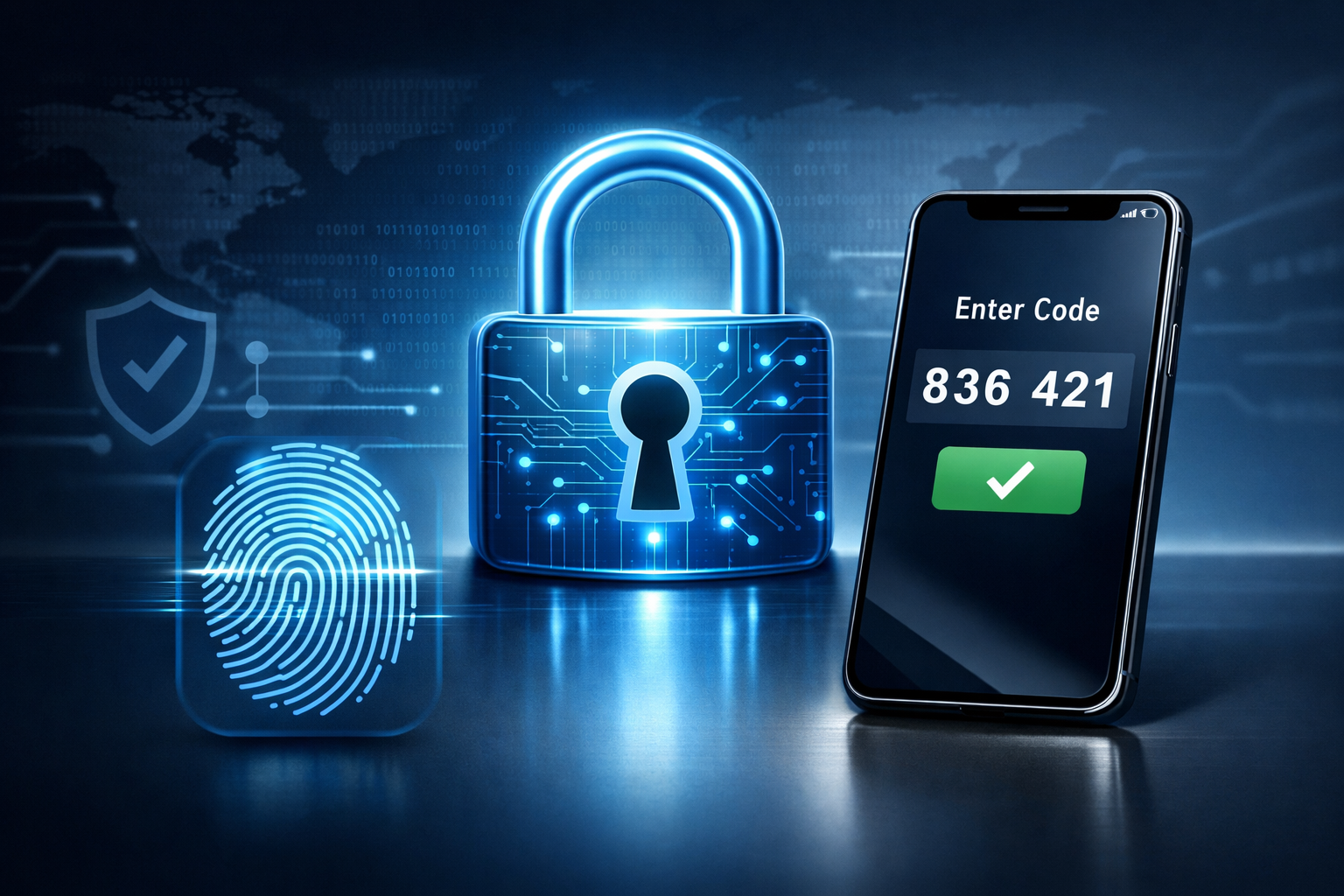
In today’s digital landscape, securing online accounts and sensitive information has become more critical than ever. Cyber threats are increasingly sophisticated, and relying solely on passwords for protection is no longer sufficient. This is where Two-Factor Authentication (2FA) and Multi-Factor Authentication (MFA) come into play. These security measures add an extra layer of defense, significantly reducing the risk of unauthorized access. In this article, we will explore what 2FA and MFA are, how they work, and why they are essential components of modern online security strategies.
What Are Two-Factor and Multi-Factor Authentication?
At their core, both Two-Factor Authentication (2FA) and Multi-Factor Authentication (MFA) are methods of verifying a user’s identity by requiring multiple forms of proof before granting access to an account or system.
Two-Factor Authentication (2FA) specifically refers to the use of exactly two different factors to confirm identity. These factors typically fall into three categories:
- Something you know: A password, PIN, or answer to a security question.
- Something you have: A physical device such as a smartphone, hardware token, or smart card.
- Something you are: Biometric data like fingerprints, facial recognition, or voice recognition.
For example, a common 2FA process involves entering your password (something you know) followed by a code sent to your phone (something you have).
Multi-Factor Authentication (MFA) extends this concept by requiring two or more factors from the above categories. While 2FA is technically a subset of MFA, MFA can involve three or more authentication methods for even stronger security.
How Does 2FA/MFA Work?
The authentication process begins when a user attempts to log in or access a protected resource. Instead of just requesting a password, the system asks for additional evidence of identity based on the configured factors.
- First Factor: Something You Know
The user enters their username and password as usual. This is the most common initial step in authentication. - Second Factor: Something You Have or Are
After the password is accepted, the system prompts the user for a second factor. This could be:
- A temporary code generated by an authenticator app (e.g., Google Authenticator, Authy).
- A one-time password (OTP) sent via SMS or email.
- A biometric scan, such as fingerprint or facial recognition.
- A hardware security key (e.g., YubiKey) plugged into the device.
Only after verifying this second factor does the system grant access. If the second factor is missing or incorrect, the login attempt is denied.
In MFA setups involving more than two factors, the user would provide additional proofs, such as a biometric scan following a hardware token confirmation, further tightening security.
Why Are 2FA and MFA Important?
Passwords alone are vulnerable to a wide range of attacks including phishing, brute force, credential stuffing, and social engineering. Even strong passwords can be compromised if leaked or guessed. 2FA and MFA mitigate these risks by requiring an additional verification step that attackers are far less likely to bypass.
- Enhanced Security: By requiring multiple types of evidence, the chances of unauthorized access drop dramatically.
- Protection Against Phishing: Even if a password is stolen, an attacker cannot log in without the second factor.
- Reduced Impact of Data Breaches: In cases where passwords are leaked, accounts remain protected through additional authentication layers.
- Compliance and Trust: Many industries require MFA to meet regulatory standards, and users often trust services that prioritize security.
Common Methods of 2FA and MFA
Understanding the different types of authentication factors can help you choose the best 2FA or MFA solution for your needs.
1. SMS and Email One-Time Passwords (OTP)
This method sends a numeric code via SMS or email that the user must enter after their password. While widely used, SMS-based 2FA can be vulnerable to SIM swapping and interception, so it’s less secure than other methods.
2. Authenticator Apps
Apps like Google Authenticator, Microsoft Authenticator, and Authy generate time-sensitive codes on the user’s device, providing a secure and convenient second factor without relying on network transmission.
3. Hardware Tokens
Physical devices such as YubiKeys or RSA SecurID tokens generate or provide authentication codes. These devices are highly secure and resistant to phishing and malware.
4. Biometrics
Biometric factors use unique physical characteristics, such as fingerprints, facial recognition, or iris scans. These are increasingly integrated into devices and applications, offering a seamless user experience without sacrificing security.
5. Push Notifications
Some systems send a push notification to a registered device asking the user to approve or deny the login attempt. This method is simple and user-friendly while maintaining strong security.
Implementing 2FA and MFA in Your Digital Life
Many popular services and platforms offer built-in support for 2FA and MFA. Here are practical steps to get started:
- Identify critical accounts: Prioritize enabling 2FA/MFA on your email, banking, cloud storage, social media, and work-related accounts.
- Choose your method: Prefer authenticator apps or hardware tokens over SMS where possible for better security.
- Set up MFA: Follow the service’s instructions to enable 2FA/MFA, usually found under security or account settings.
- Backup options: Securely store backup codes or set up multiple factors so you don’t lose access if a device is lost.
- Stay informed: Regularly review your security settings and update your authentication methods as technology evolves.
Challenges and Considerations
While 2FA and MFA significantly improve security, they are not without challenges:
- Usability: Adding extra steps can sometimes reduce convenience, leading to resistance from users.
- Device Dependence: Losing access to the second factor device can lock you out unless backup mechanisms are in place.
- Phishing Attacks: Sophisticated phishing can still trick users into providing second-factor codes, though hardware tokens mitigate this risk.
- Implementation Complexity: Organizations must balance security with user experience and provide clear support to avoid lockouts.
Despite these challenges, the security benefits of 2FA and MFA far outweigh the drawbacks, especially in high-risk environments like financial services, aerospace, and AI research platforms.
Key Takeaways
- Two-Factor Authentication (2FA) requires two different types of verification, enhancing account security beyond passwords alone.
- Multi-Factor Authentication (MFA) extends this concept by requiring two or more factors, further strengthening protection.
- Common authentication factors include something you know, something you have, and something you are.
- Using authenticator apps or hardware tokens is generally more secure than SMS-based codes.
- Enabling 2FA/MFA on critical accounts significantly reduces the risk of unauthorized access and data breaches.
Related Resources
- Cybersecurity & Infrastructure Security Agency (CISA): Multi-Factor Authentication – An official guide explaining MFA and its importance in securing digital identities.
- Authy: What is 2FA? – A practical overview of two-factor authentication and the options available for users and organizations.
- NIST Digital Identity Guidelines – Comprehensive standards and best practices for digital identity and authentication from the National Institute of Standards and Technology.
- Yubico Resources – Insights and technical resources related to hardware security keys and MFA deployment.
- Electronic Frontier Foundation: Two-Factor Authentication – Guidance on privacy and security considerations for 2FA and MFA implementations.